Filter Failure Analysis Results
Failure Analysis provides filters that help you narrow the results to the tests, teams, frameworks, or time periods you want to investigate. The available filters depend on the selected Failure Analysis view and your user permissions.
Using filters can help you focus on a specific set of failures instead of reviewing all failure data available to your team or organization.
Available Filters
The available filters can vary depending on whether you are viewing results by Jobs or Failure Patterns.
| Filter | Jobs View | Failure Patterns View | Purpose |
|---|---|---|---|
| Team / Organization / User | ✔️ | ✔️ | Limits the results to failures associated with your team or organization. Depending on your permissions, you may also be able to select failures associated with a specific team member. |
| Framework | ✔️ | ❌ | Limits results to tests that use a specific testing framework. This filter is available in the Jobs view. |
| Time Range | ✔️ | ✔️ | Limits results to failures that occurred during the selected time period. The default time range is Last 7 days. |
The filters available to you depend on the selected view and your role or permissions in Sauce Labs.
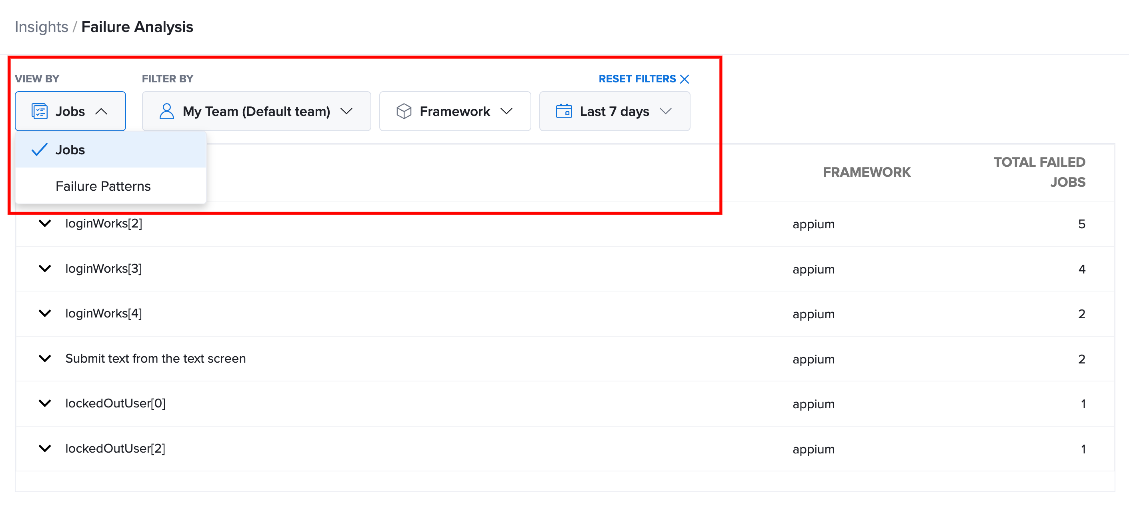
Filter by Team or Organization
The team or organization filter controls whose test failures are included in the Failure Analysis results.
For example, you can select My Organization to analyze failures across the organization. Depending on your permissions, you may also be able to narrow the results to your team or a specific team member.
This filter is useful when you want to determine whether a failure pattern is limited to a particular team or test owner or occurs more broadly across the organization.
Filter by Framework
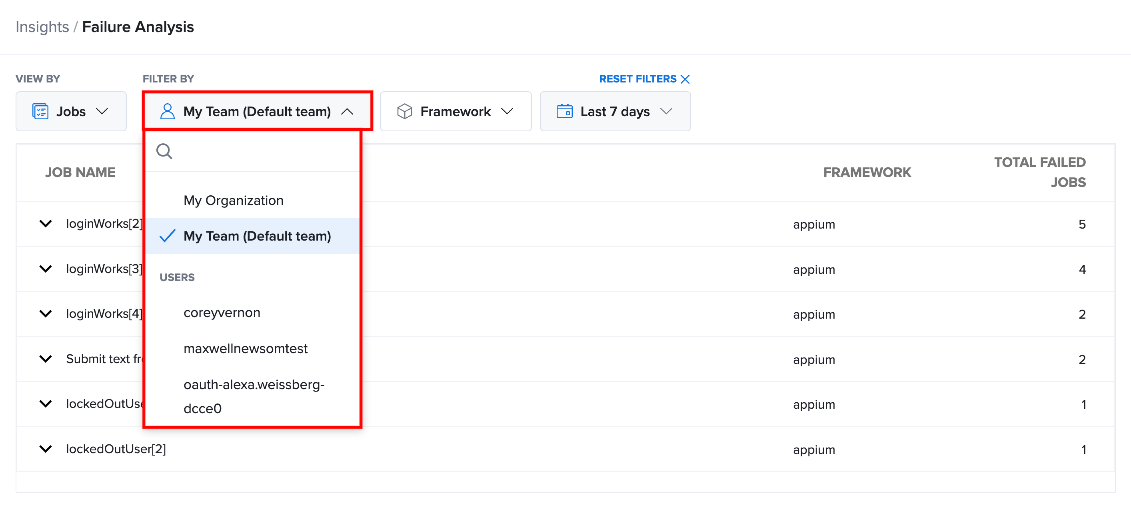
The Framework filter is available when viewing Failure Analysis by Jobs. Use this filter to limit the Jobs view to tests created with a specific testing framework. For example, selecting Appium displays jobs associated with Appium tests.
This is useful when your organization uses multiple testing frameworks and you want to investigate failures from only one framework.
Filter by Time Range
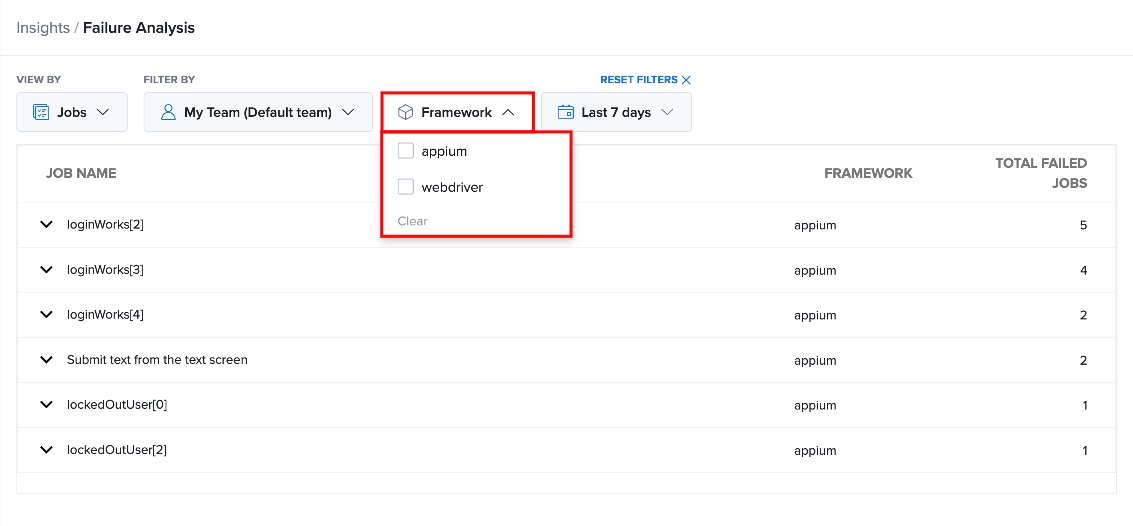
The Time Range filter controls the period of test execution data included in the Failure Analysis results. The default time range is Last 7 days. You can change the selected time period to focus your analysis on a different period supported by the Failure Analysis interface.
Use the time range when you want to investigate failures that occurred during a particular period, such as after a new release, deployment, or test configuration change.
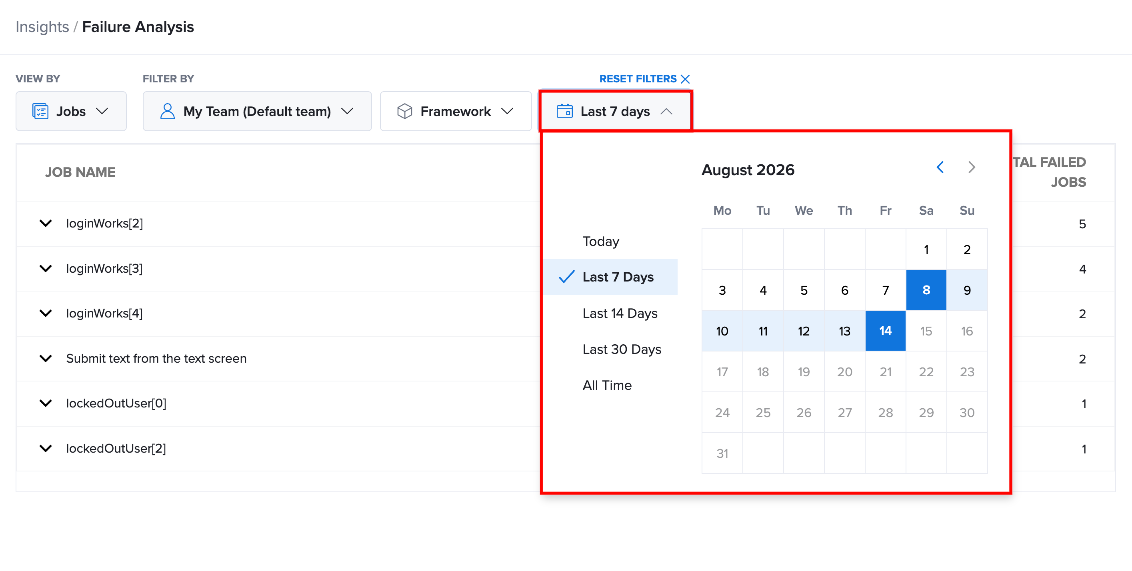
Reset Filters
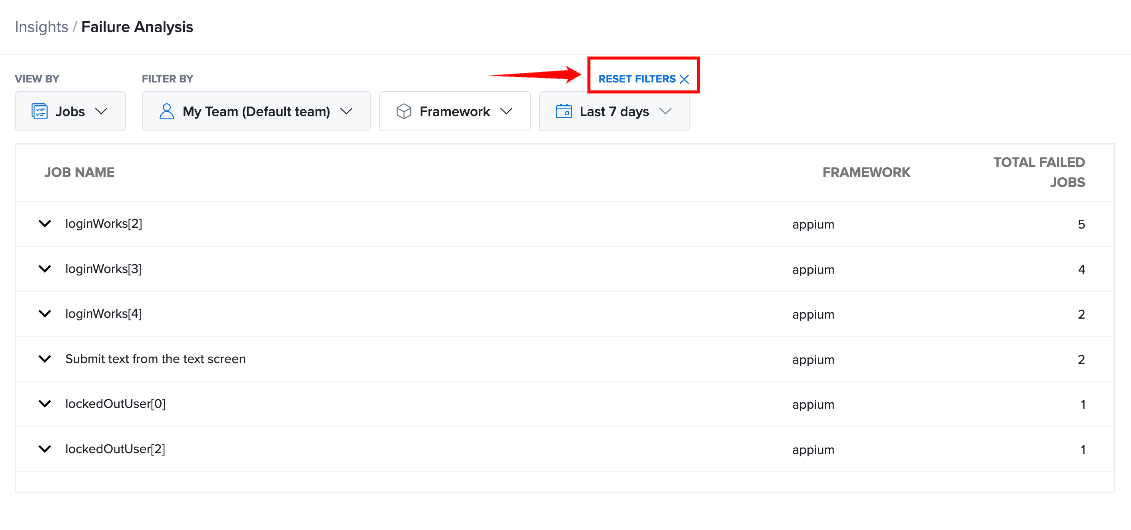
After applying filters, you can return to the default Failure Analysis results by resetting the selected filters.
Select Reset Filters at the top of the Failure Analysis page. The selected filters are cleared, and the Failure Analysis results return to their default state.
Reset the filters when you want to start a new investigation or compare results across different teams, frameworks, or time periods.