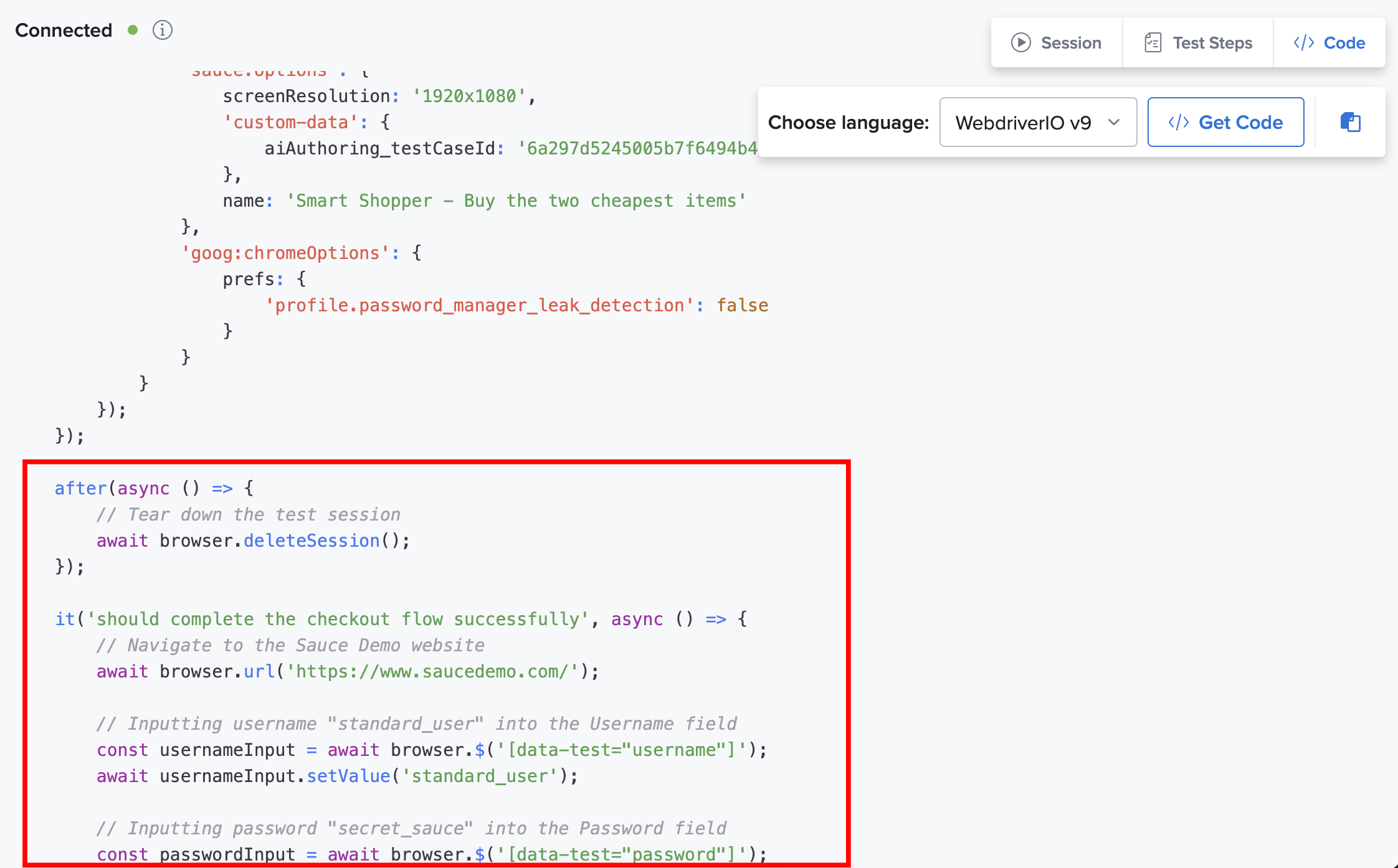
Generate the Script Code
After you have created your AI-generated test case, you can produce the underlying automation script to integrate the test into your existing development and testing workflows.
This generated script is your visual test flow converted into executable source code, allowing developers and automation engineers to review, customize, and use the test in their preferred automation framework.
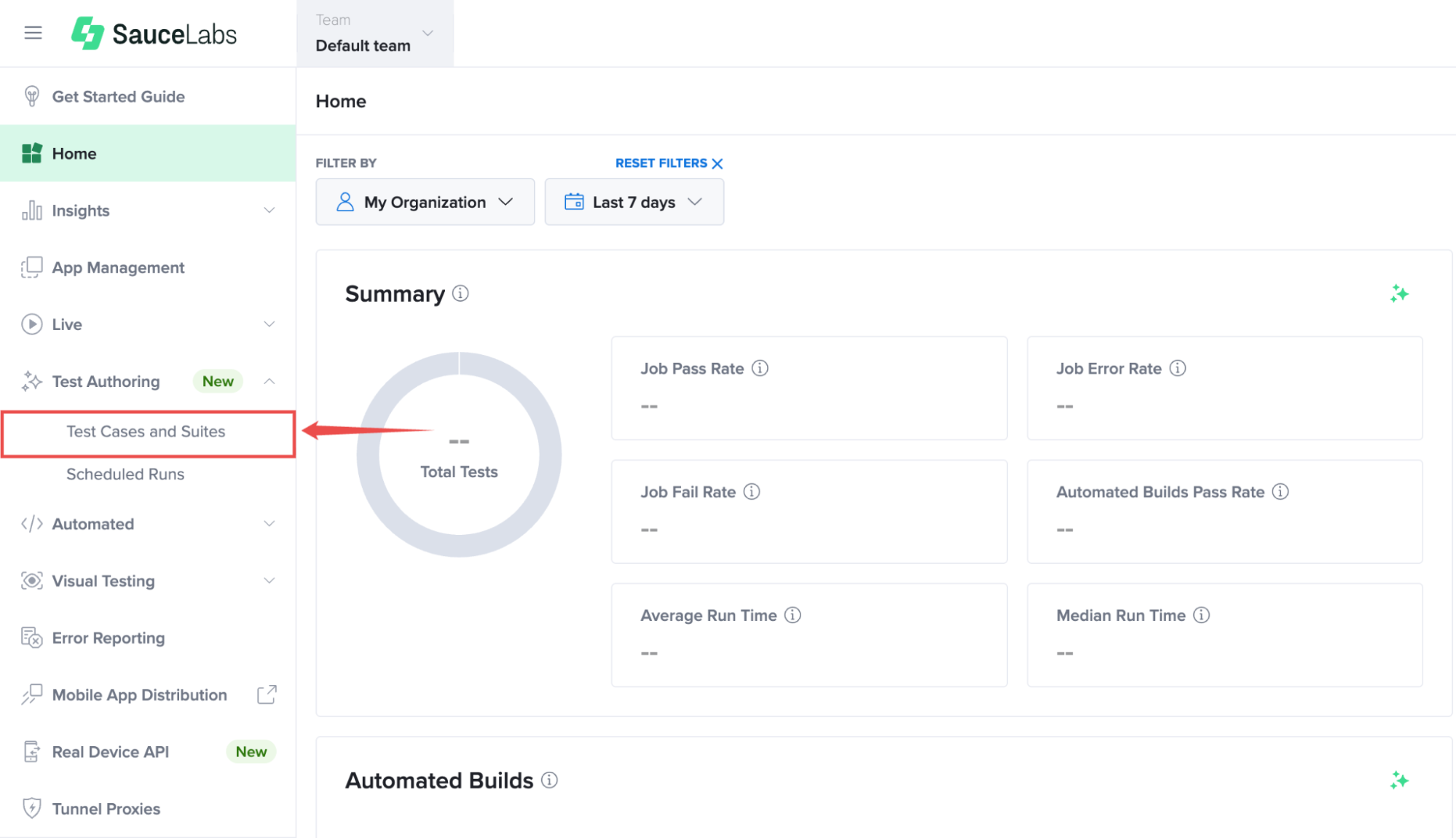
Step 1: Inside your Sauce Labs account, find Test Authoring from the left-hand navigation menu, expand its available options, and select Test Cases and Suites.
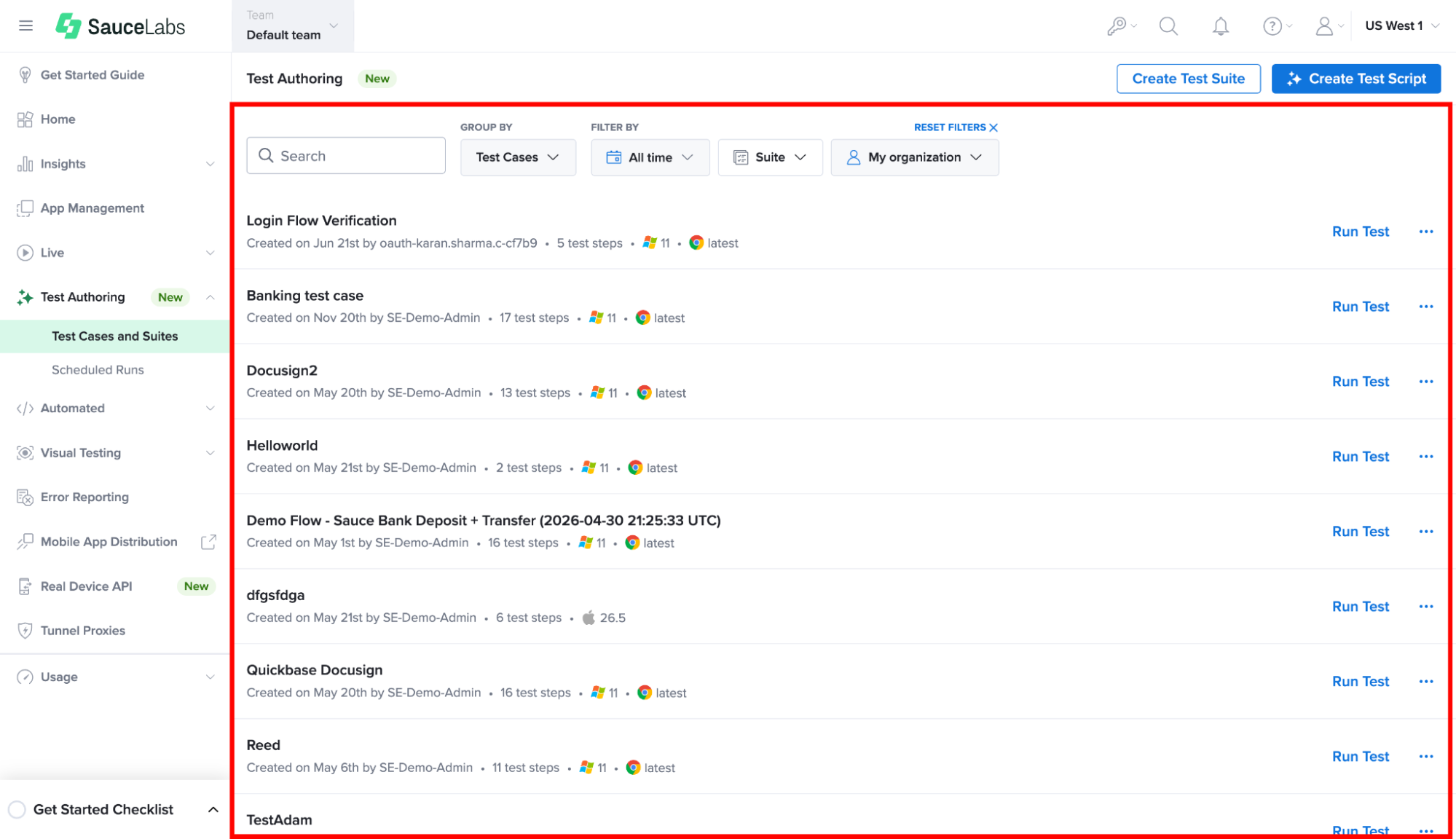
Step 2: Find and click on the test case for which you want to generate script code.
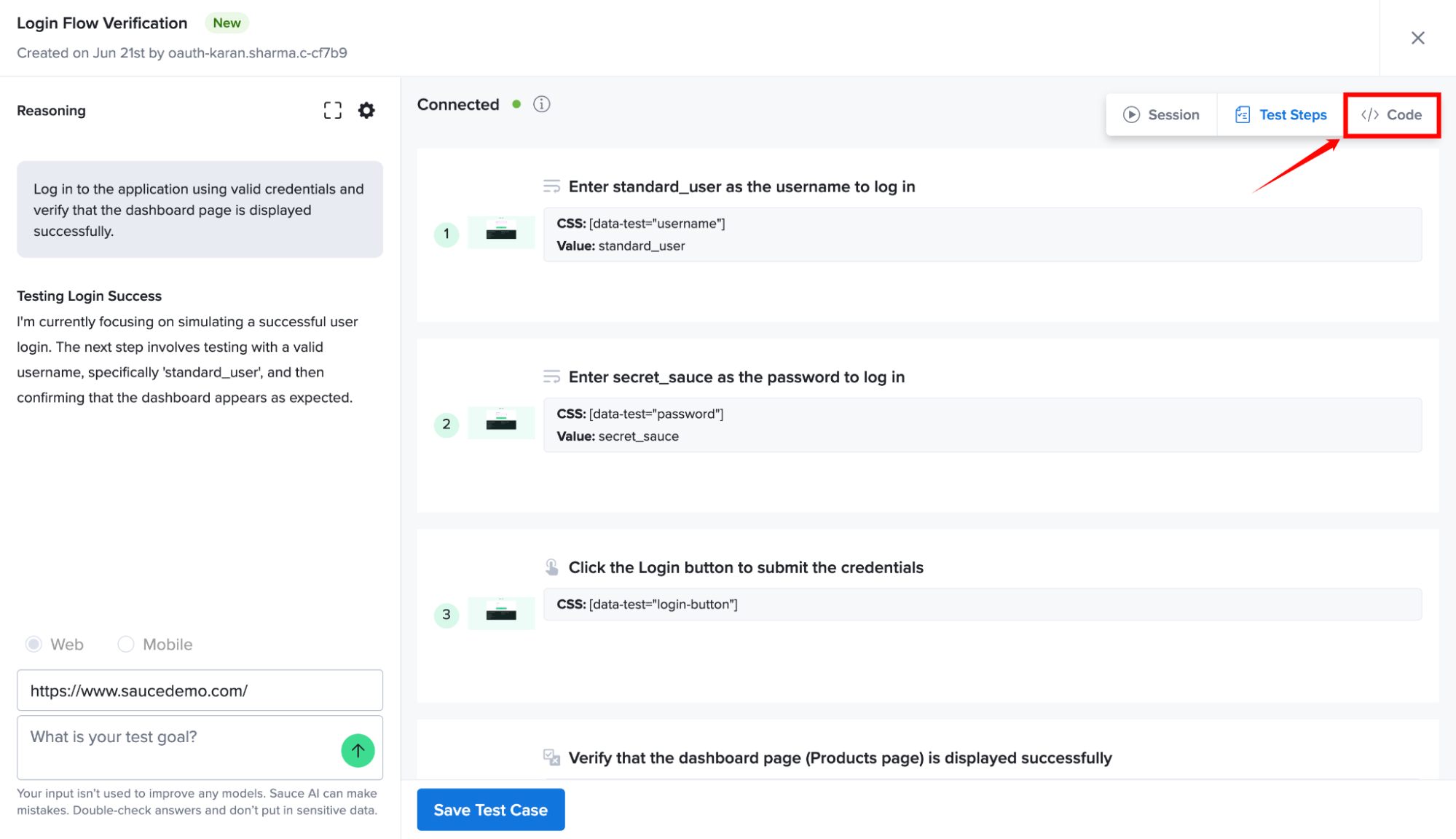
Step 3: Inside the test case workspace, select the </> Code tab located at the top-right corner to access the generated automation script.
This opens the code generation view, where you can generate and view automation scripts based on your test case.
Step 4: Click the Choose language drop down list menu located at the top-right corner of the page and select your preferred programming language and framework.
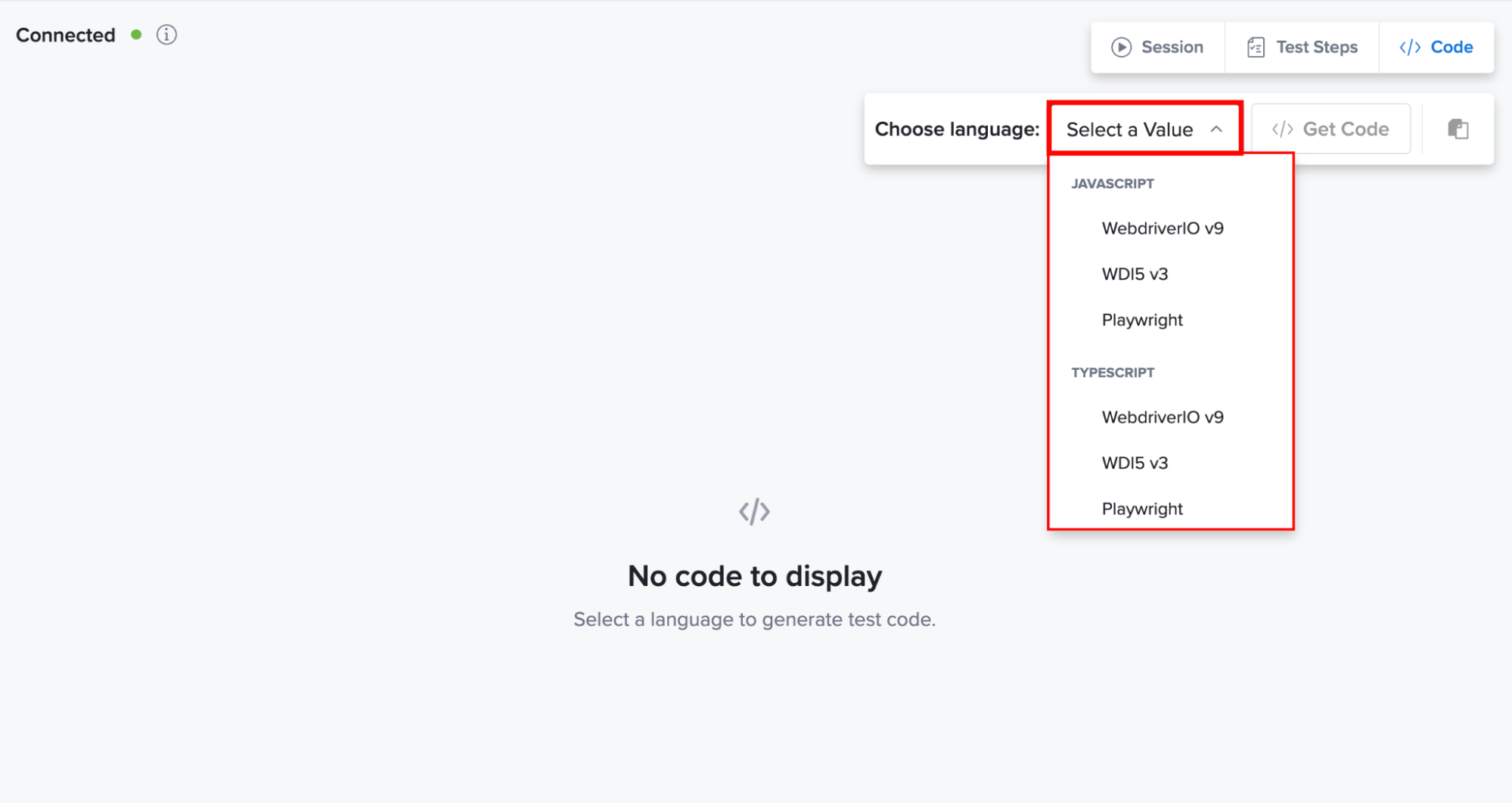
| Language | Web | Mobile iOS | Mobile Android |
|---|---|---|---|
| JavaScript | WebdriverIO, WDI5, Playwright | Appium | Appium |
| TypeScript | WebdriverIO, WDI5, Playwright | Appium | Appium |
| Python | Selenium | Appium | Appium |
| Java | Selenium | Appium | Appium, Espresso |
| C# | Selenium | Appium | Appium |
| Swift | — | XCUITest | — |
| Kotlin | — | — | Espresso |
Step 5: After selecting the desired programming language and framework, click Get Code to generate the automation script for your selected language and framework.
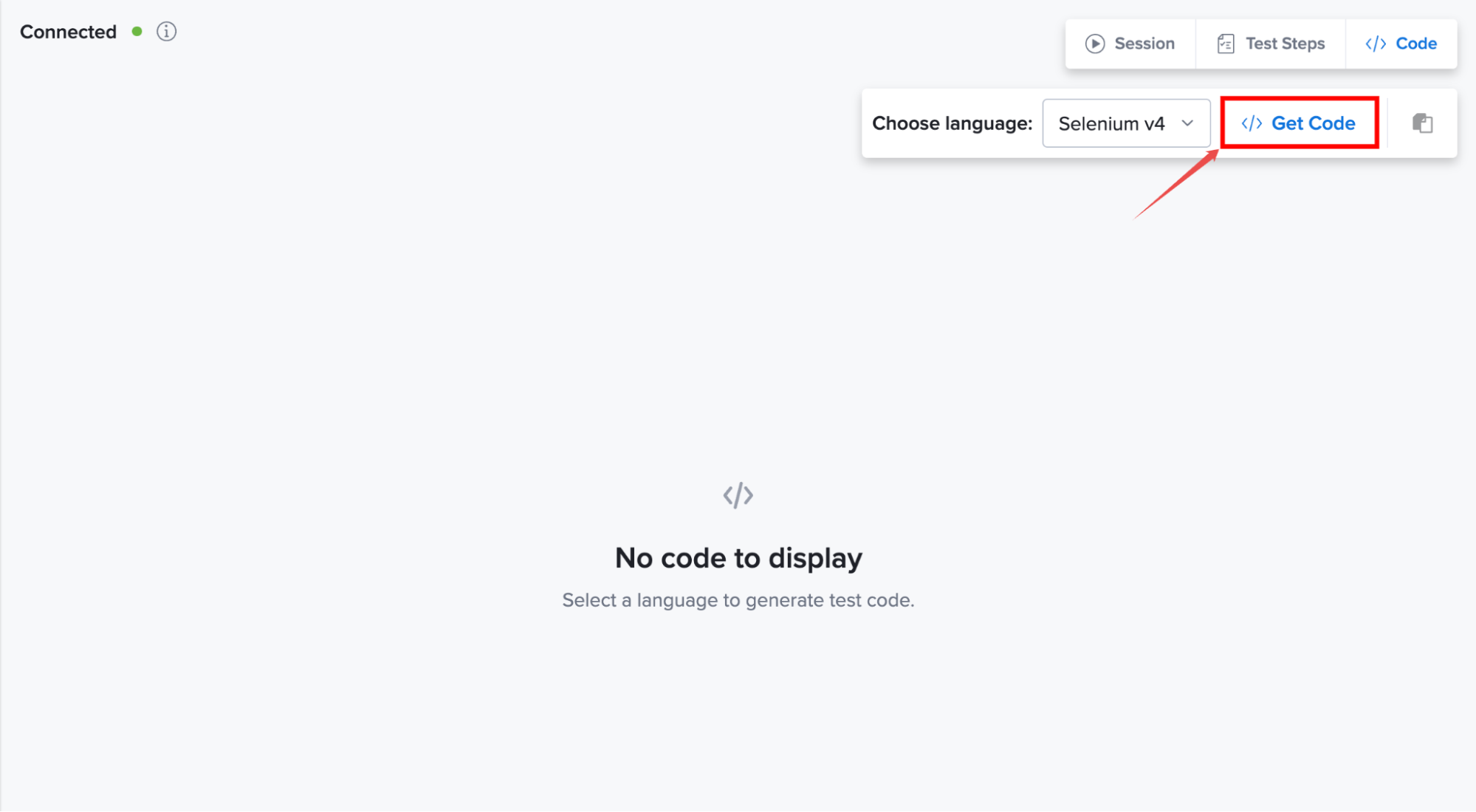
Step 6: After the code generation process is complete, the generated automation script is displayed in the code editor.
You can review the generated code and copy it for use in your automation projects. You can further edit the script to match your project requirements and testing needs.
The generated script reflects the current version of your test case. If you modify the test steps after generating the code, regenerate the script to ensure it includes the latest changes.